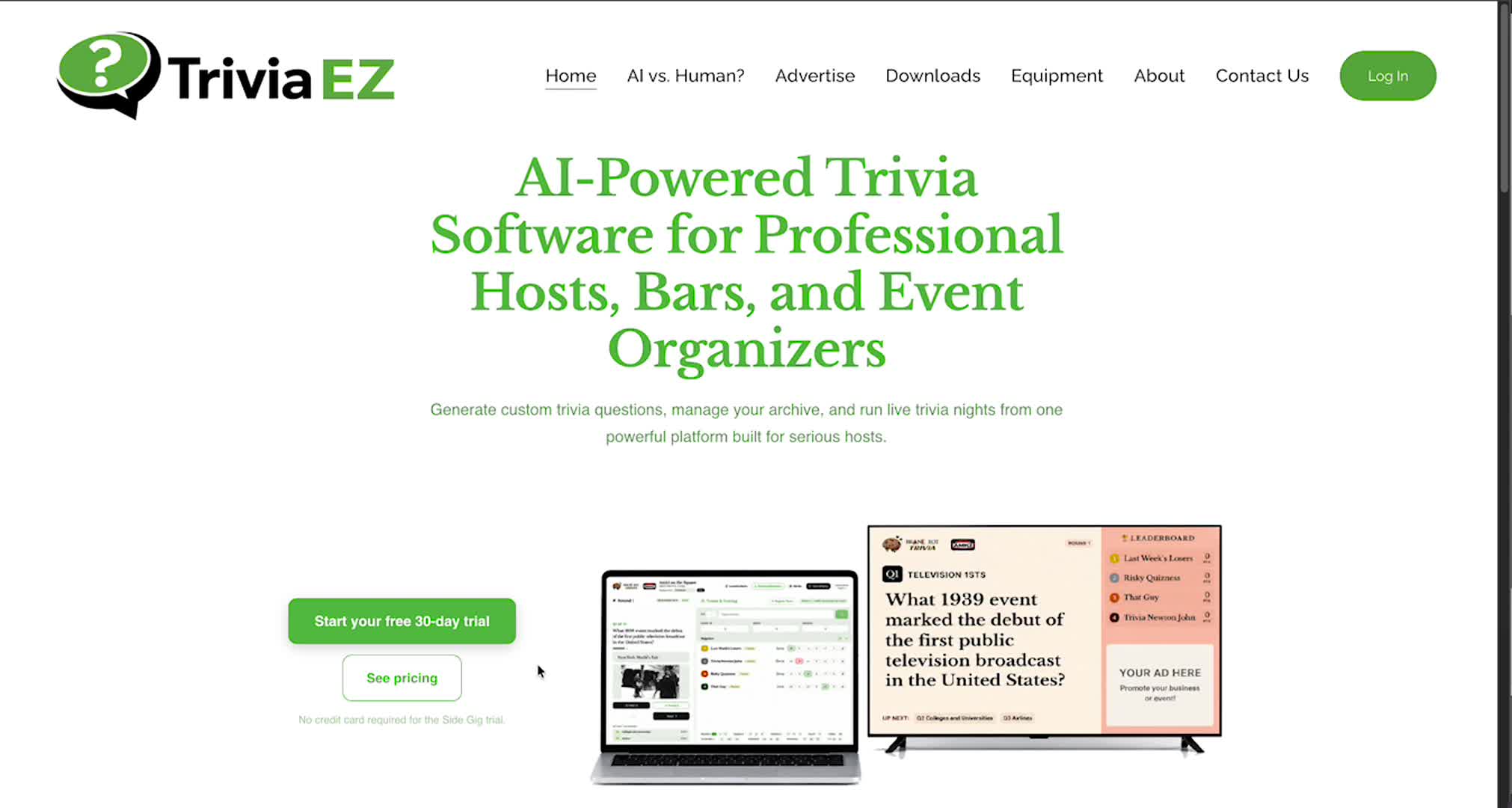
Learn how to set up your account, customize your account to your company’s colors and themes, and manage your subscription.
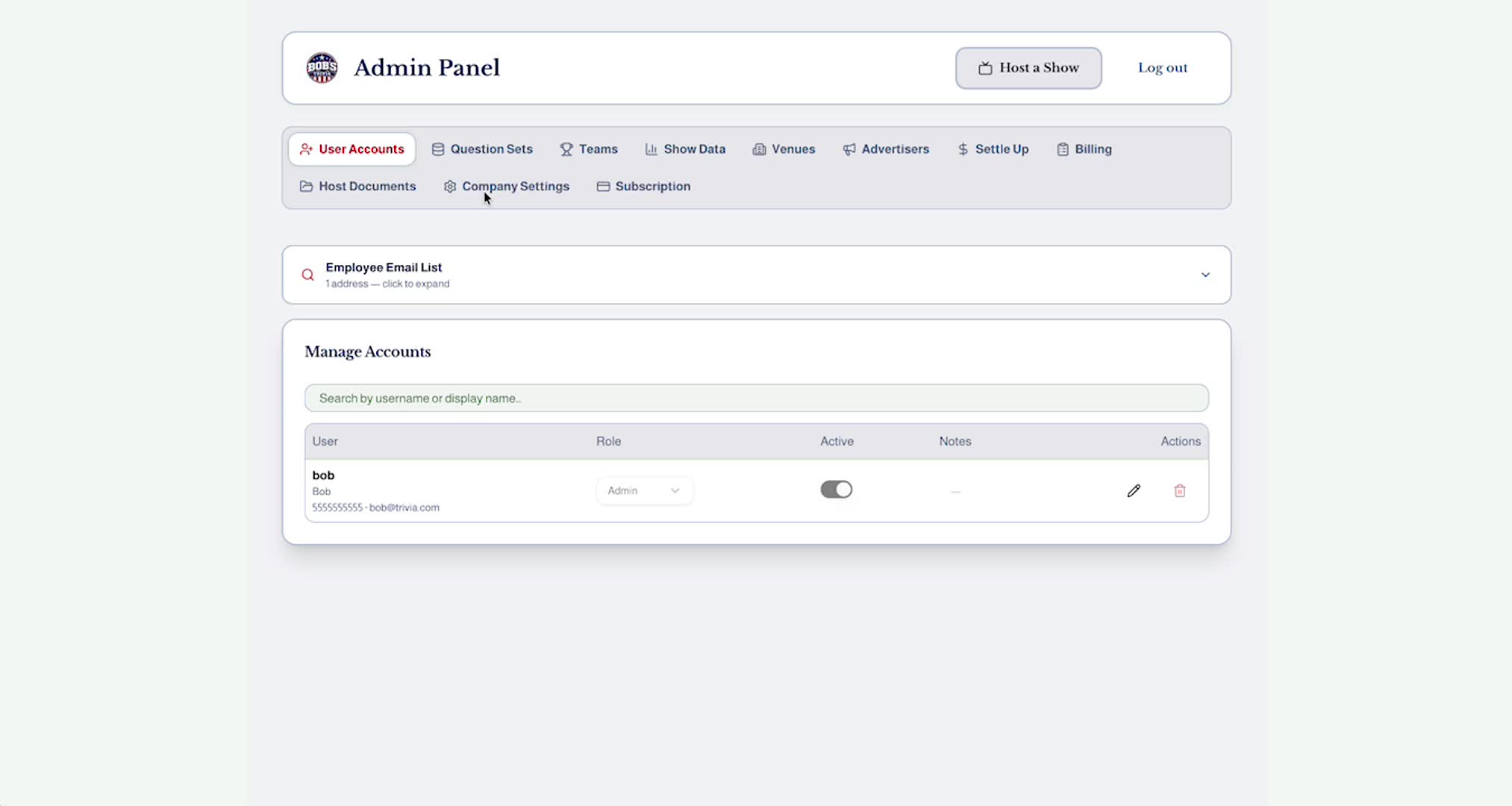
In this video you will learn how to add a complete set of questions for your trivia game and how to navigate the question creation page to manage multiple day’s question sets at once. We also discuss the calendar features, category list, and your company’s question archive.
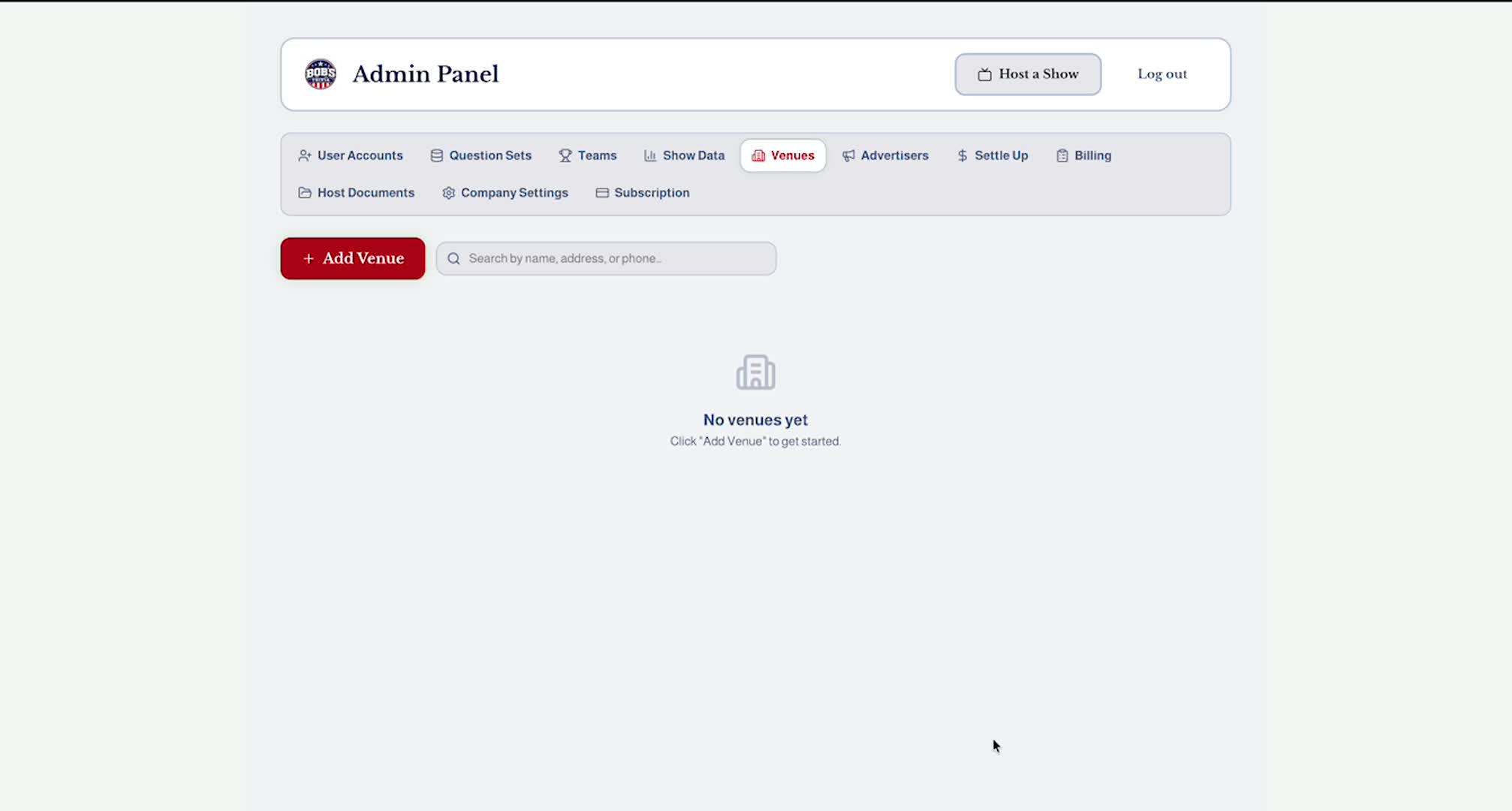
In this video you will learn how to add a venue to your account to help you conduct your trivia games and manage billing for your events.
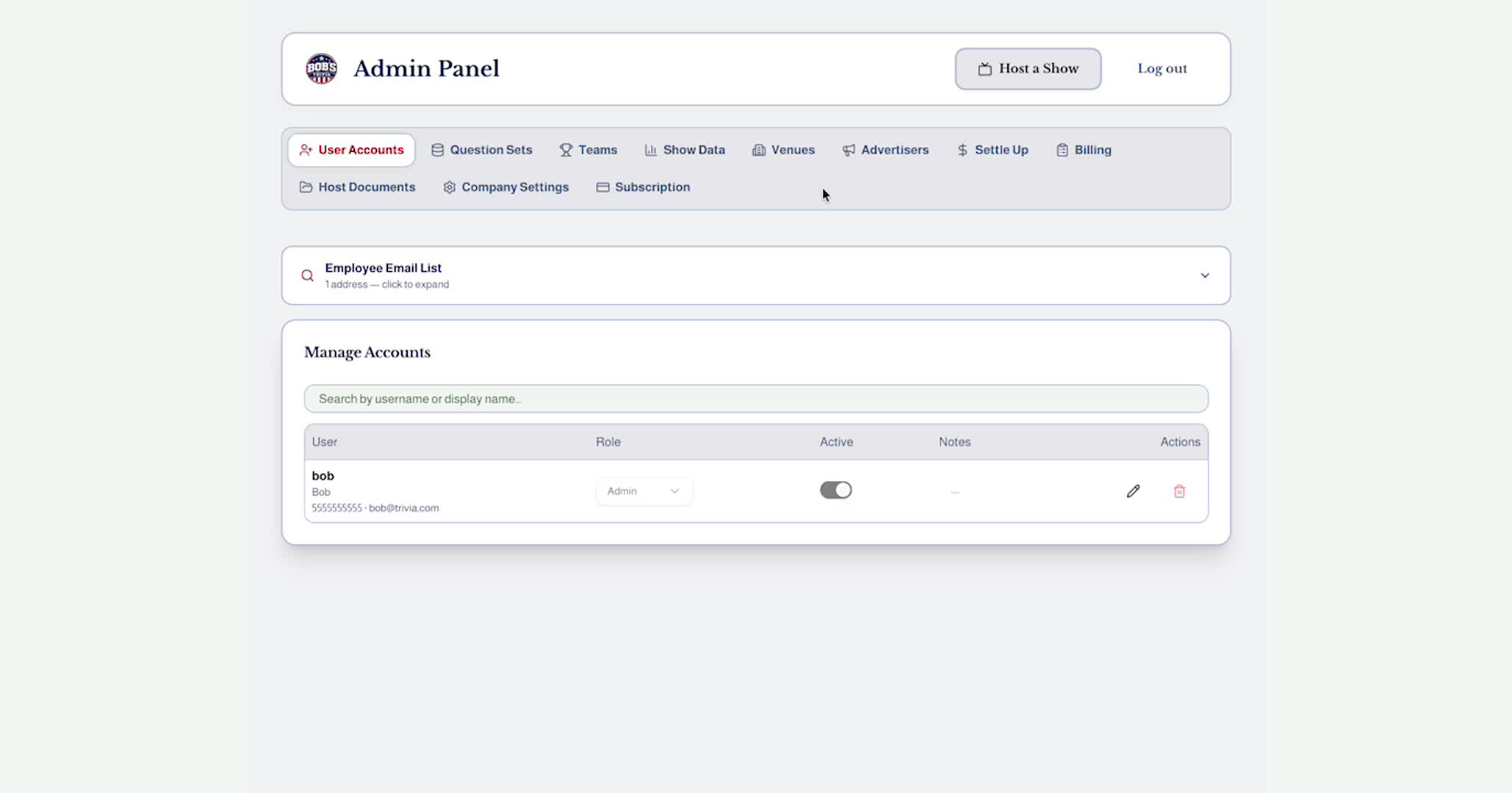
In this video we show you how to operate the host control panel, select a venue, add teams to your game, record the scores, and submit a game report.
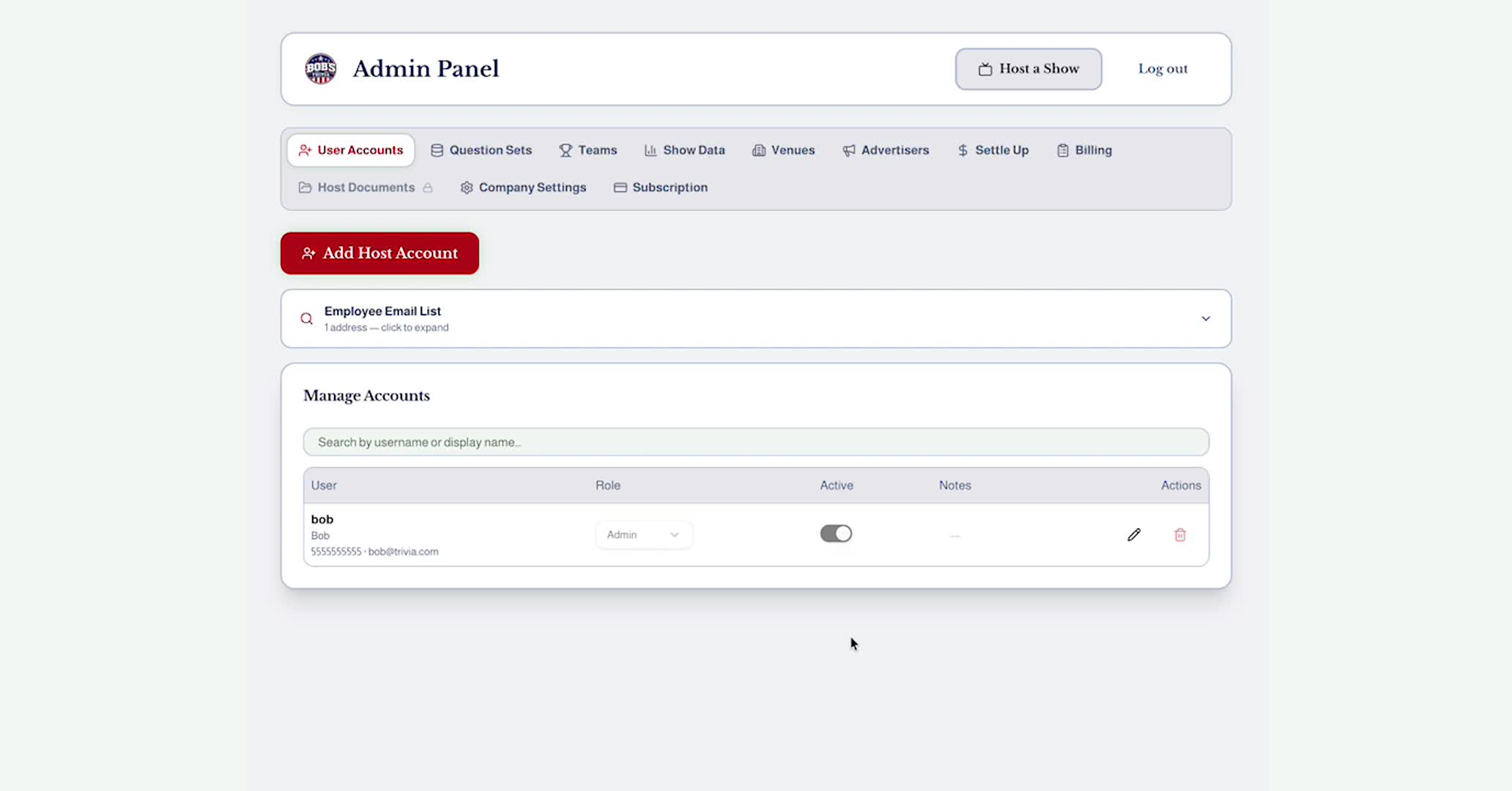
Learn how to add advertisers to your platform so you can earn extra funds in addition to the amount you charge to host your games. In this video we show you how to set advertisement pricing, set up an advertiser’s account, add their information and advertisement image, and classify the industry category for that advertiser.
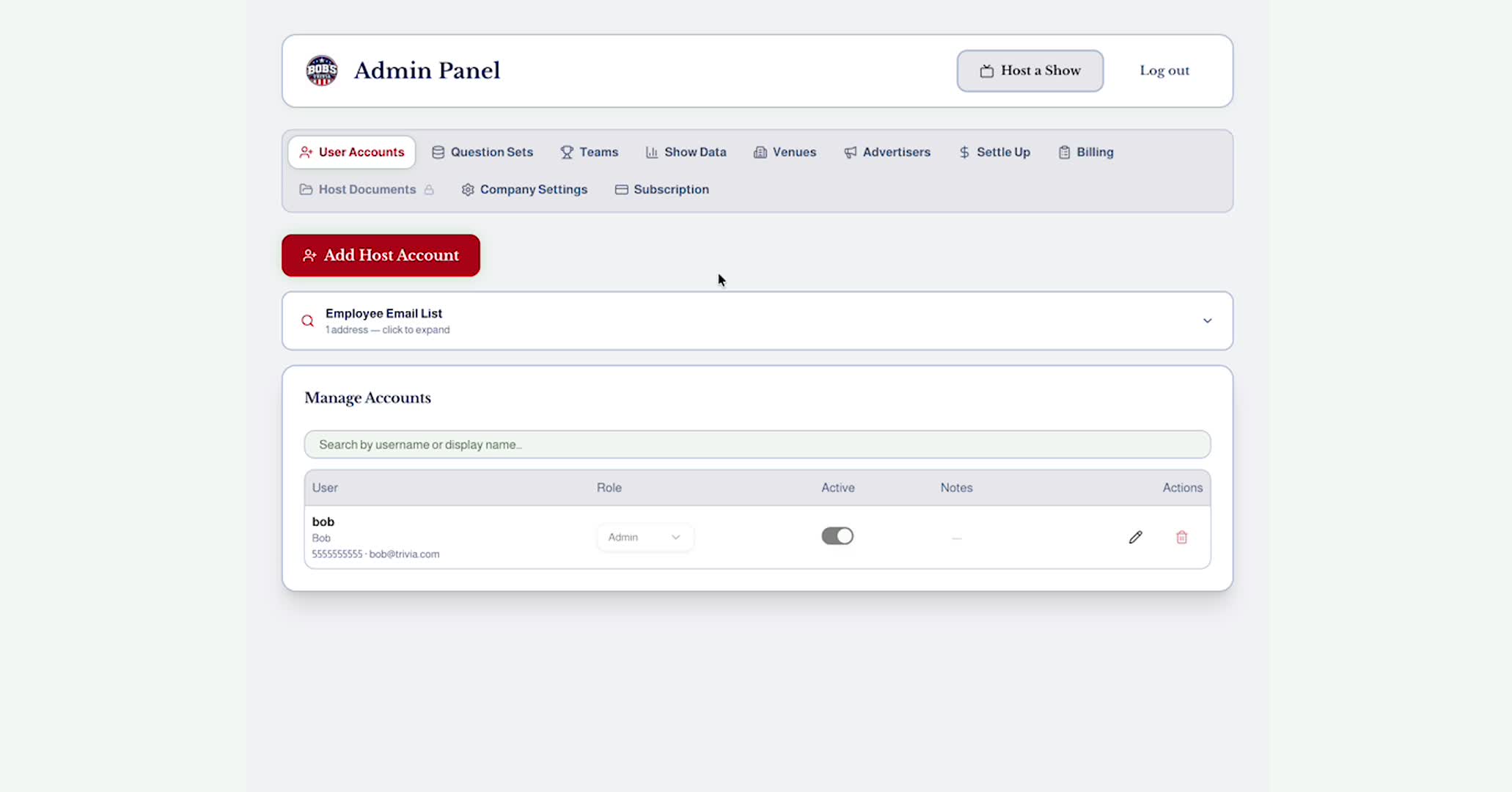
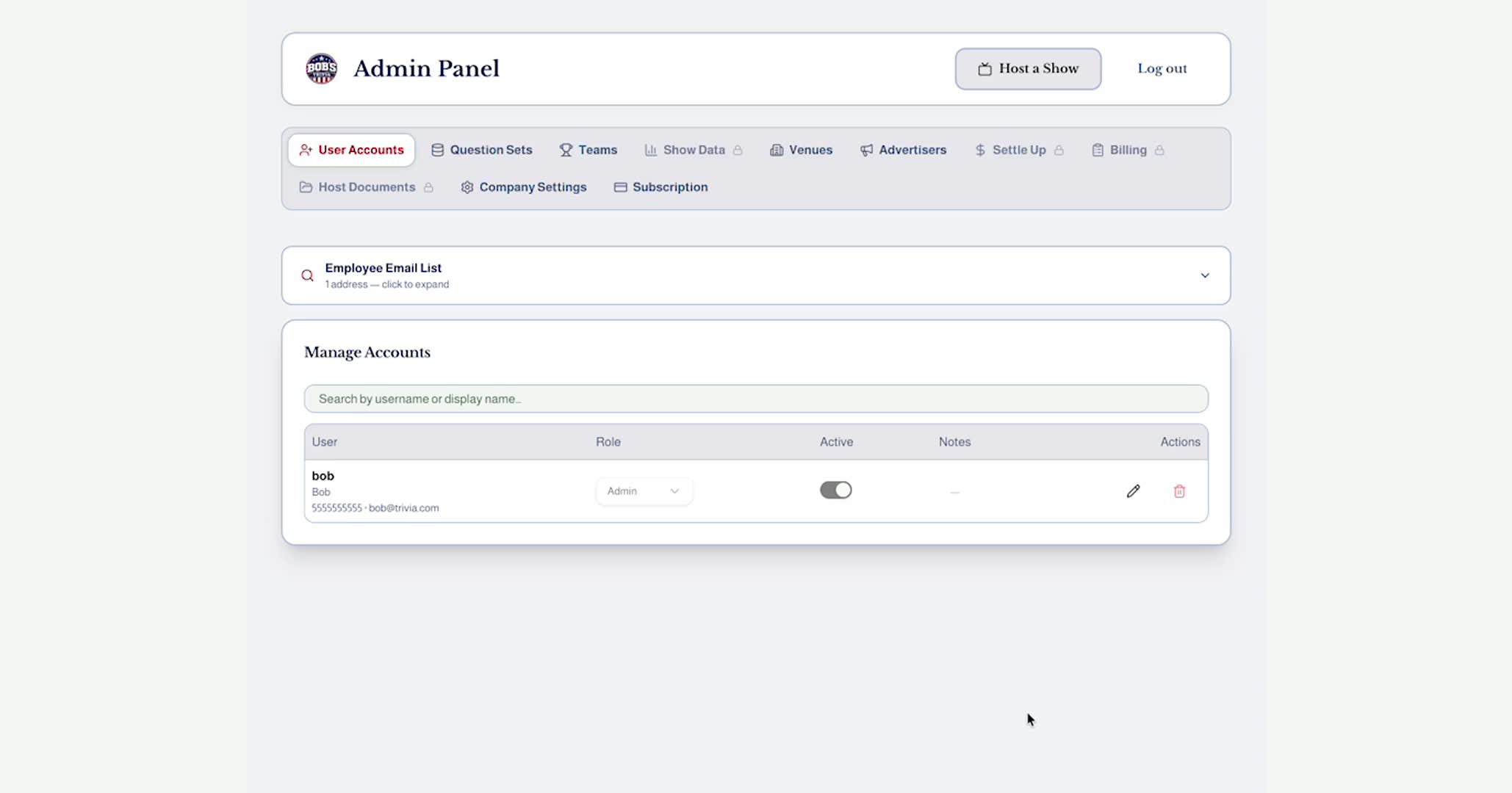
In this video you will learn how to manage billing for your venues and advertisers, generate invoices, and archive your billing records.
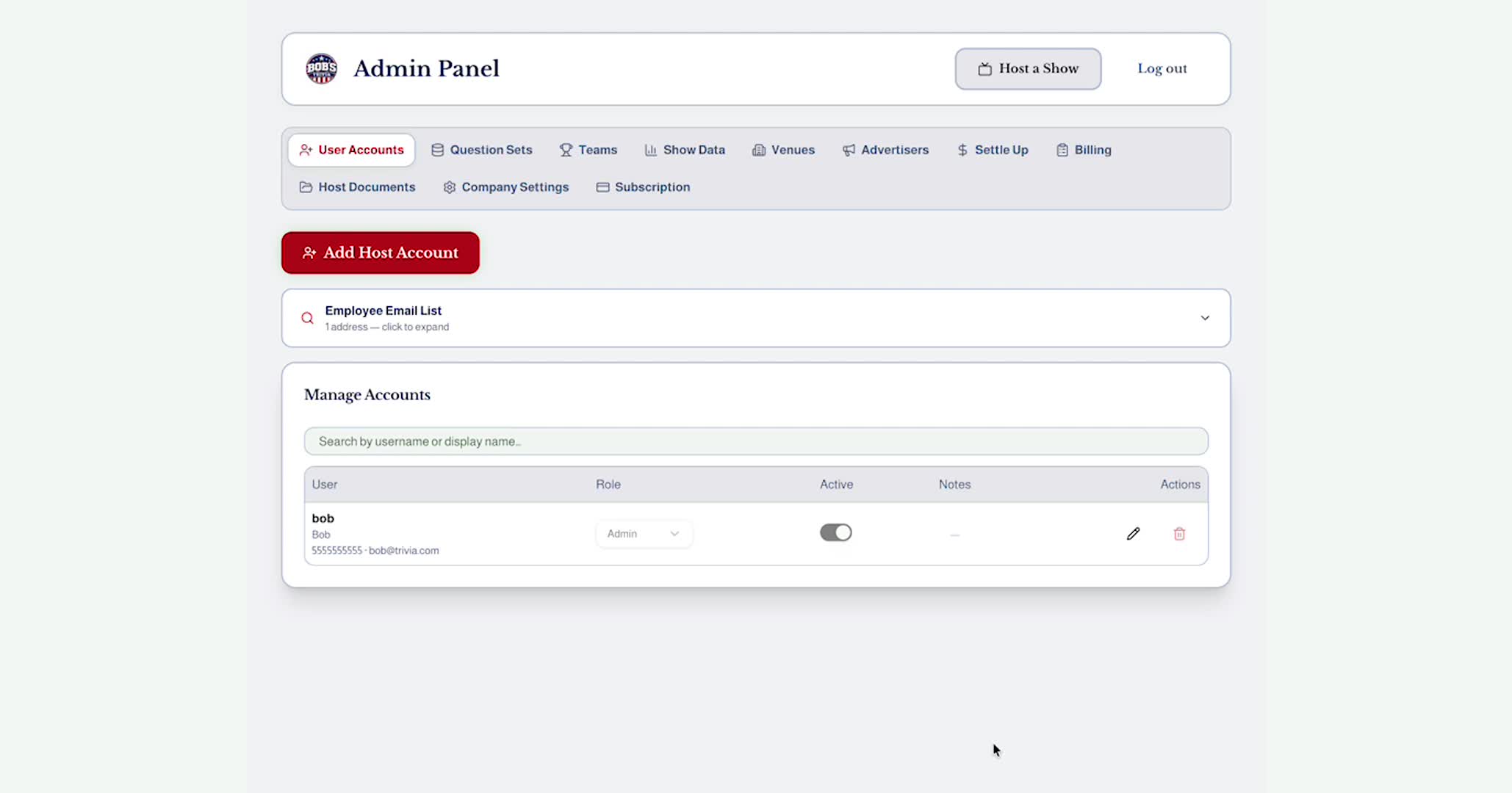
In this video you will learn how to track the amountn due to your hosts and how to archive those payments to your archive.
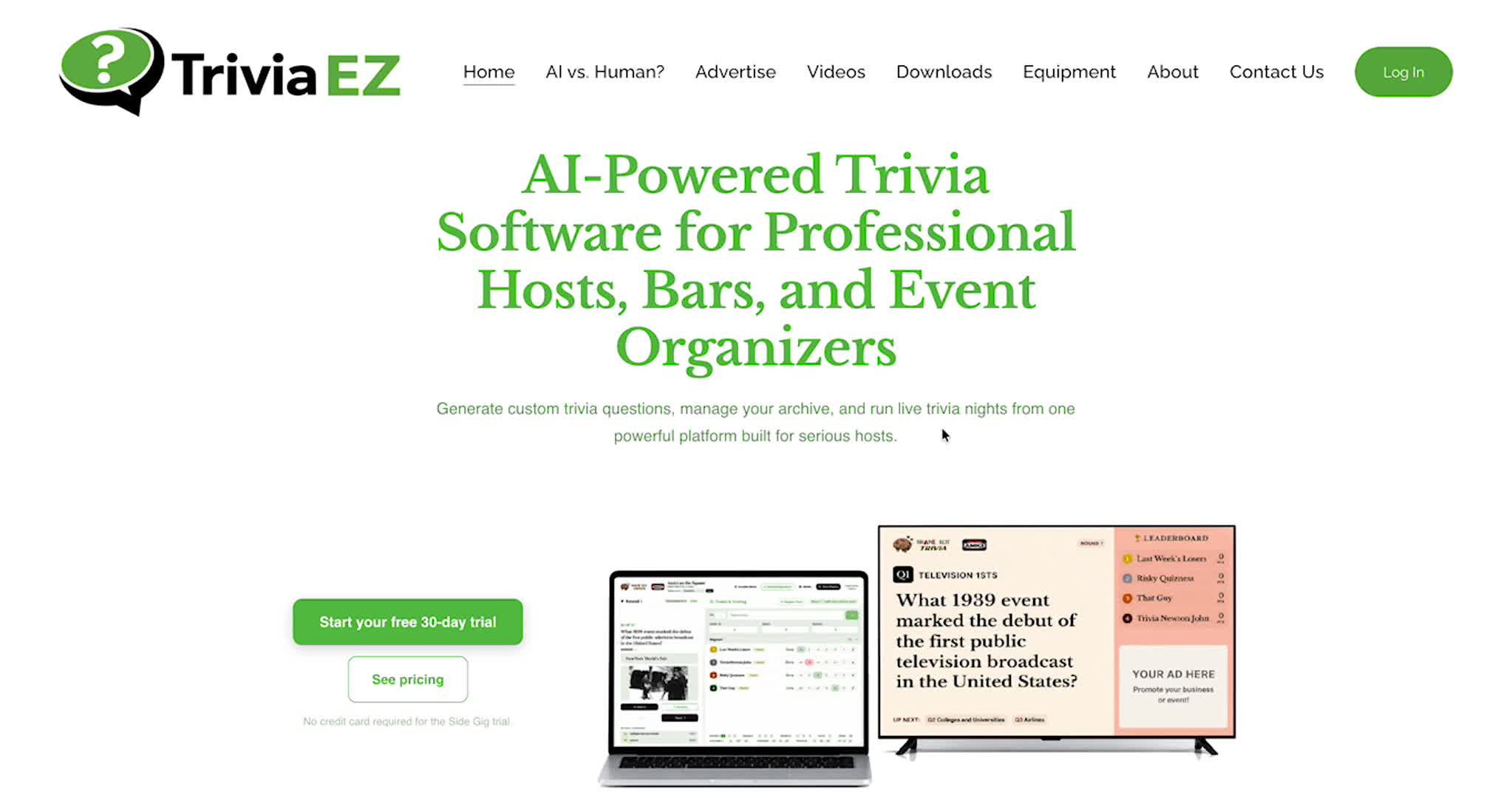
In this video we show you how to download the game materials and add your company branding. We also show you the Equipment page witha. few helpful recommendations.
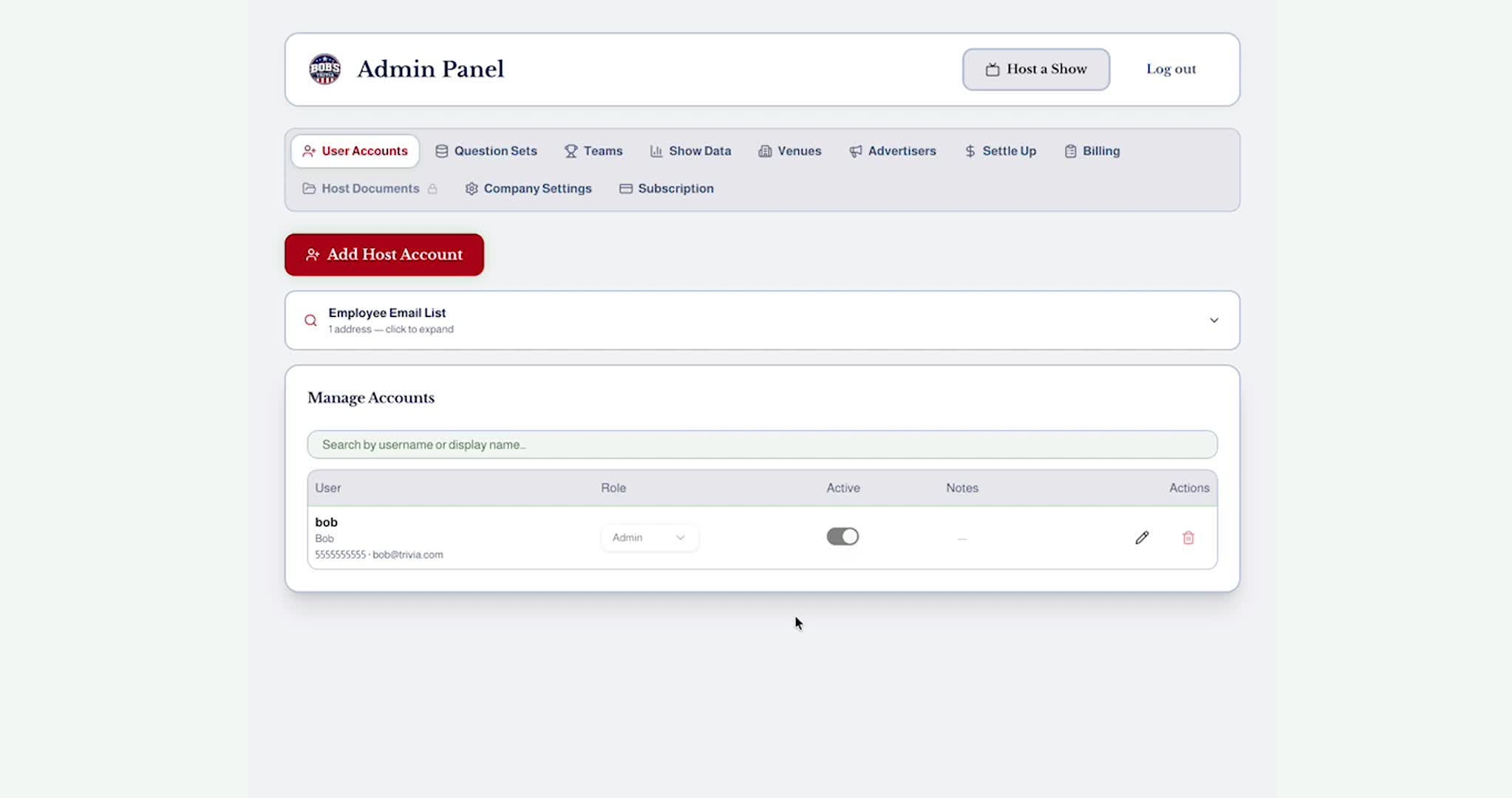
This video shows the Enterprise level feature where you can upload documents that will be able to be accessed by your hosts from their login screen. Items such as scoring materials or service agreements being readily available makes your business run more smoothly.
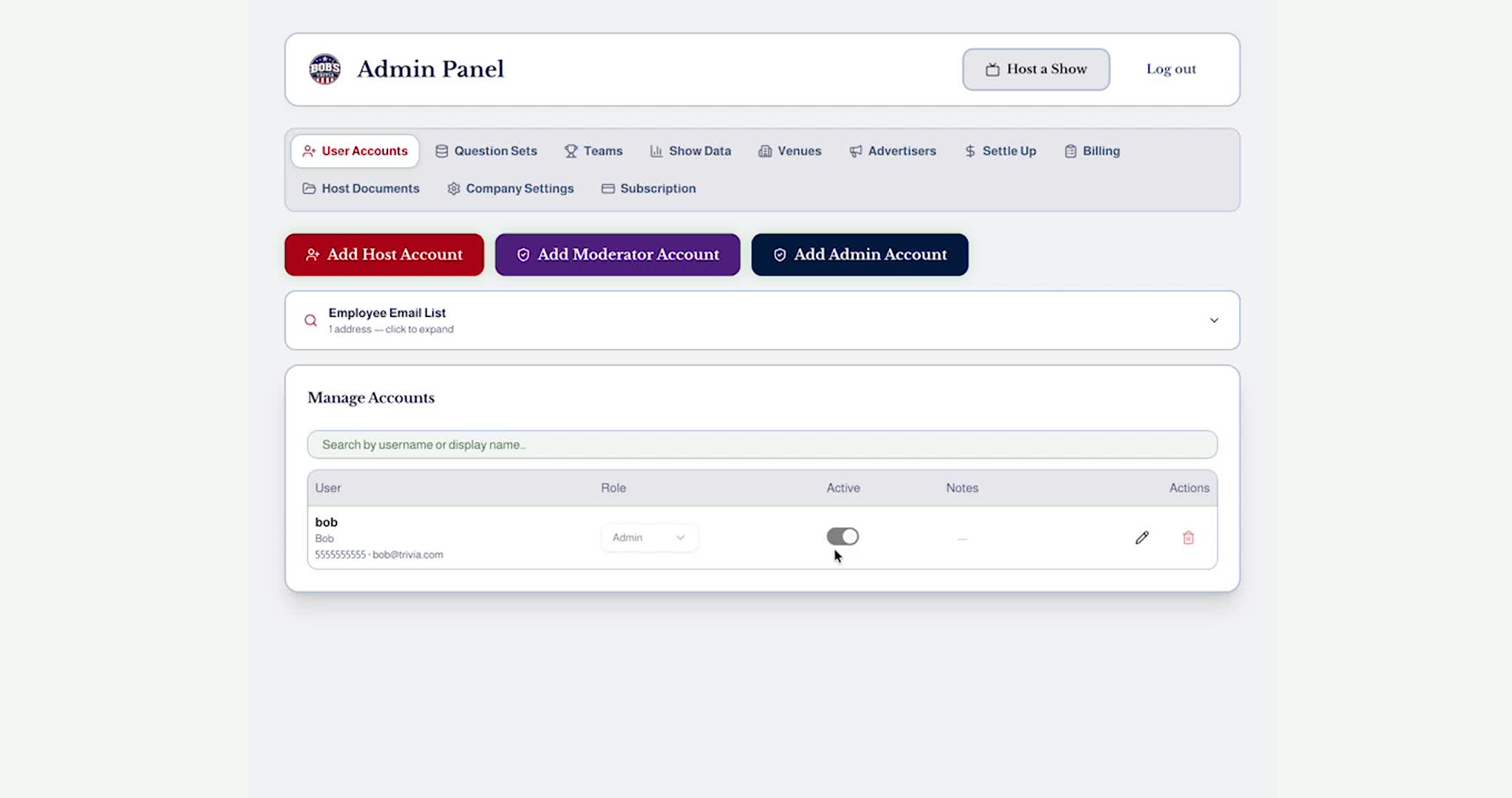
This video demonstrates how to add teams to your team registry for league play, both from the admin panel and from the host control panel. It shows how the league teams will be differentiated on the display screen, and provides proof that a team name can be modified in the game without loosing their league identity information.
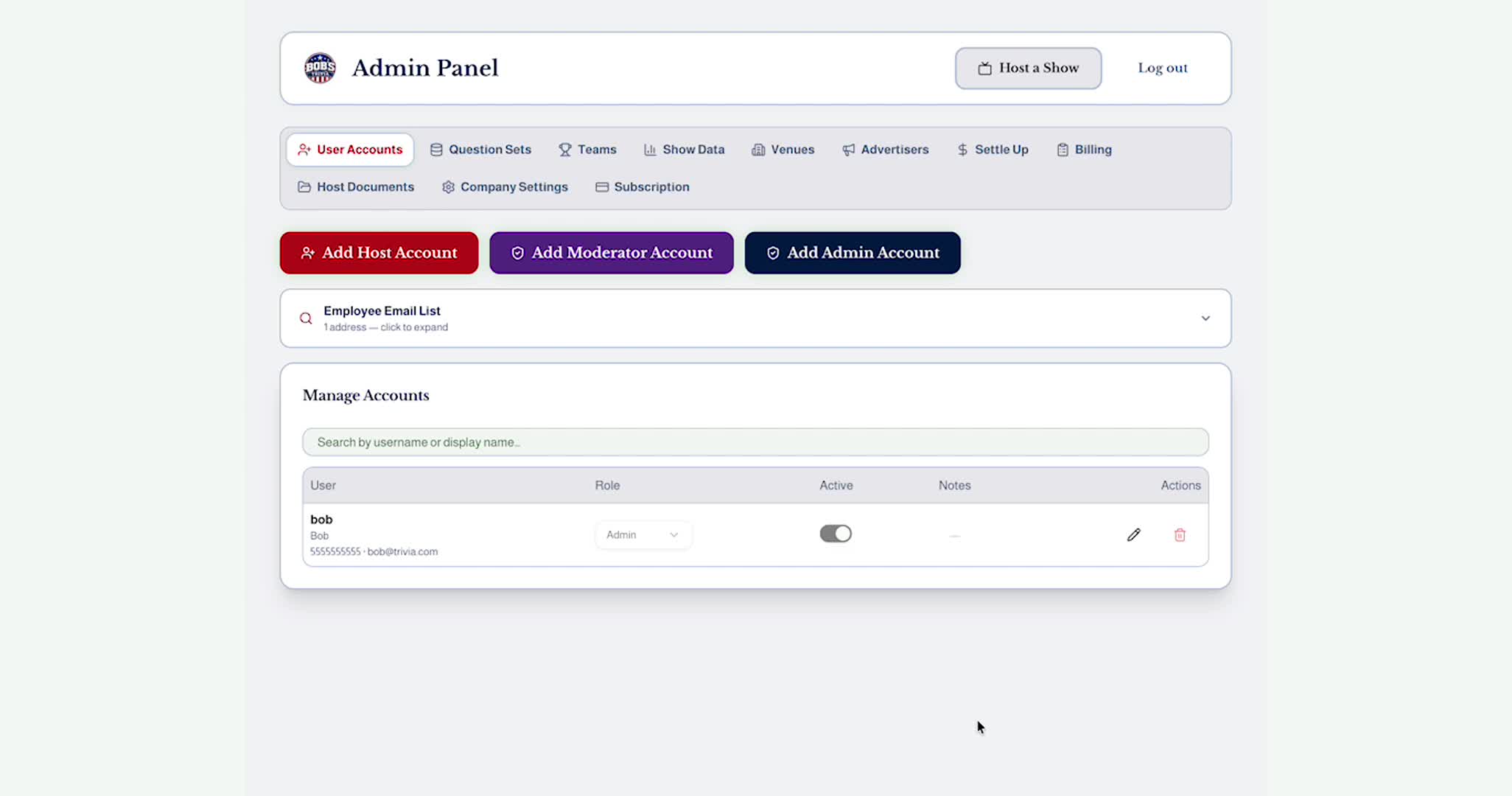
This video demonstrates adding a Moderator to your account. Moderators are unique the Enterprise level subscription. They have some, but not all, of the capabilities of an Administrator. They can create questions, add venues, see various information items that help facilitate your games running smoothly without the ability to alter any financial information that would negatively impact your business.
